Deck HUD: both decks on the edges of Arena
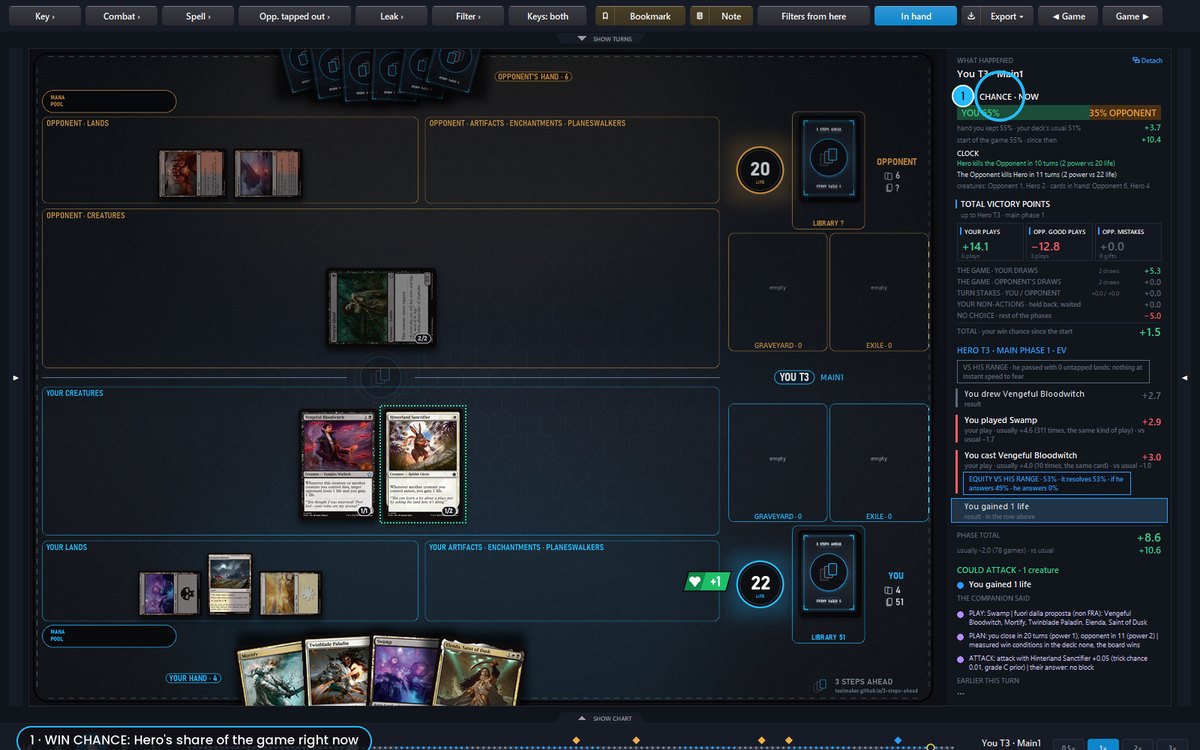
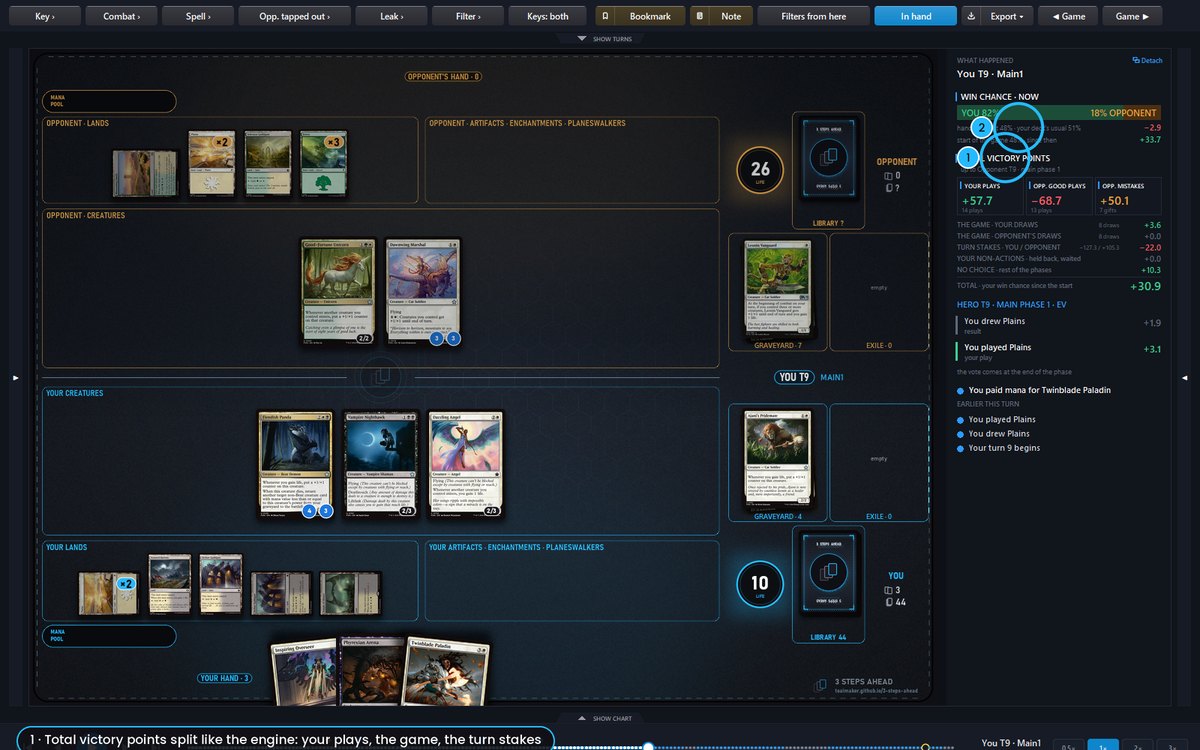
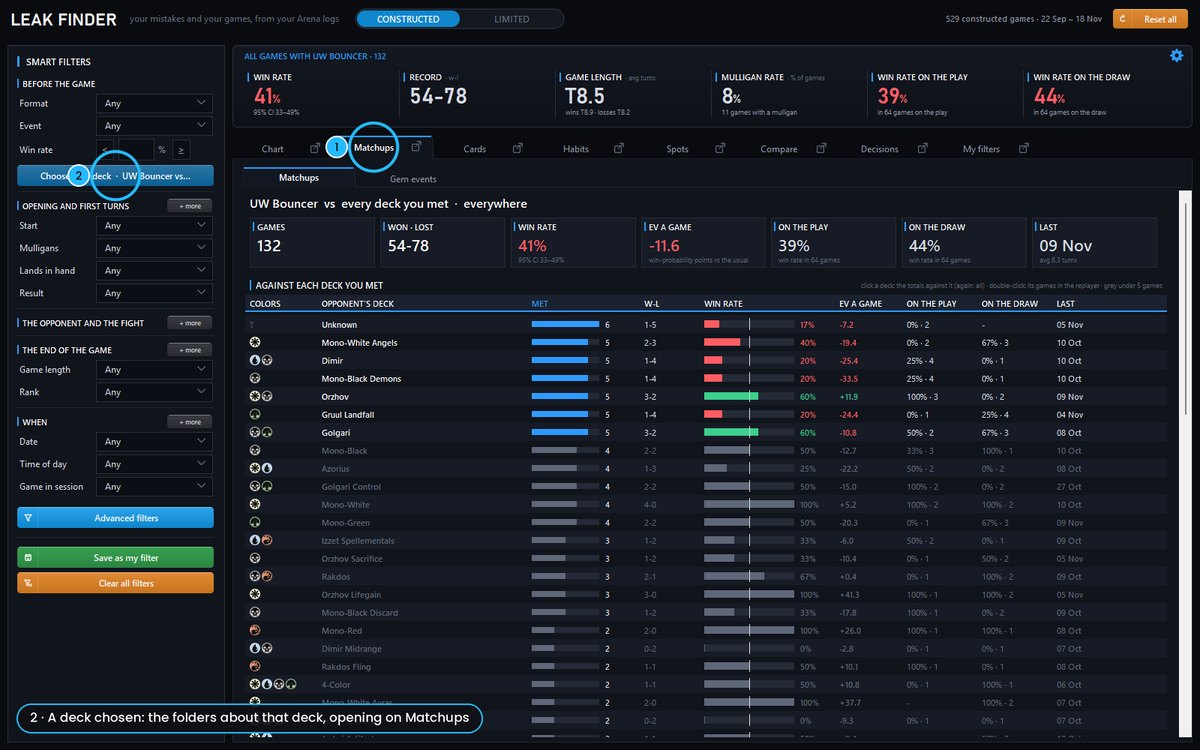
While you play, 3 Steps Ahead now shows a slim list on each edge of MTG Arena: on the left your own deck card by card, on the right what the opponent's deck most likely is. It reads decks, never players.
Your deck, on the left
Every card of your deck with the copies still in the library, the chance to draw it with your next draw, and the lands at the bottom. Cards you have run out of fade out. The numbers update as you draw and play.
The opponent's deck, on the right
From the spells the opponent has shown, the HUD names the most likely archetype of the format with how confident it is, the cards that deck usually plays, the spells already cast, and the instants their open mana can pay for right now. Decks outside the meta are named by their colours.
Out of the way
- Clicks pass through the lists, and they never take the focus from Arena.
- An eye on each list hides it and brings it back; when no game is on, a small READY badge says the HUD is on.
- The DECK HUD pill in the app's tab bar turns each side on or off.
The deck, never the player
No opponent name or id is shown, saved or shared. The HUD stays off in sanctioned competitive events, where outside assistance is not allowed, and against Sparky. It needs Windows: on Mac the overlay does not exist yet.
Read the guide: Deck HUD →