Leak Finder: ask about the table
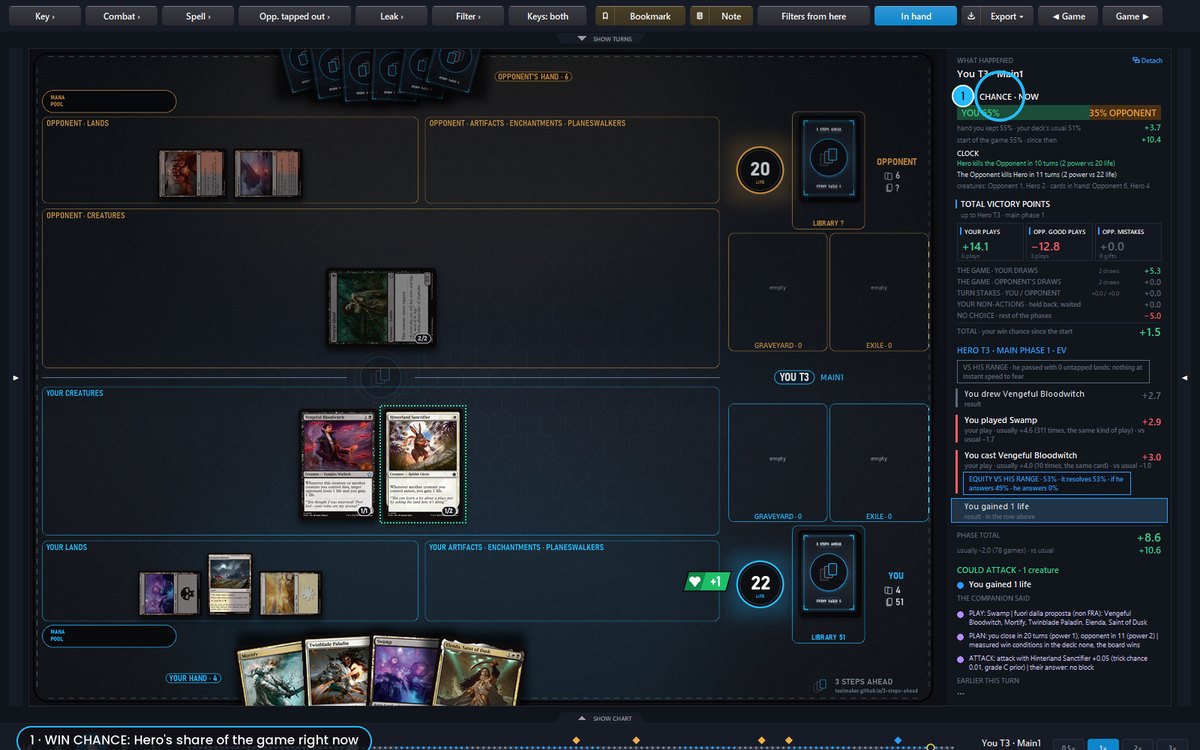
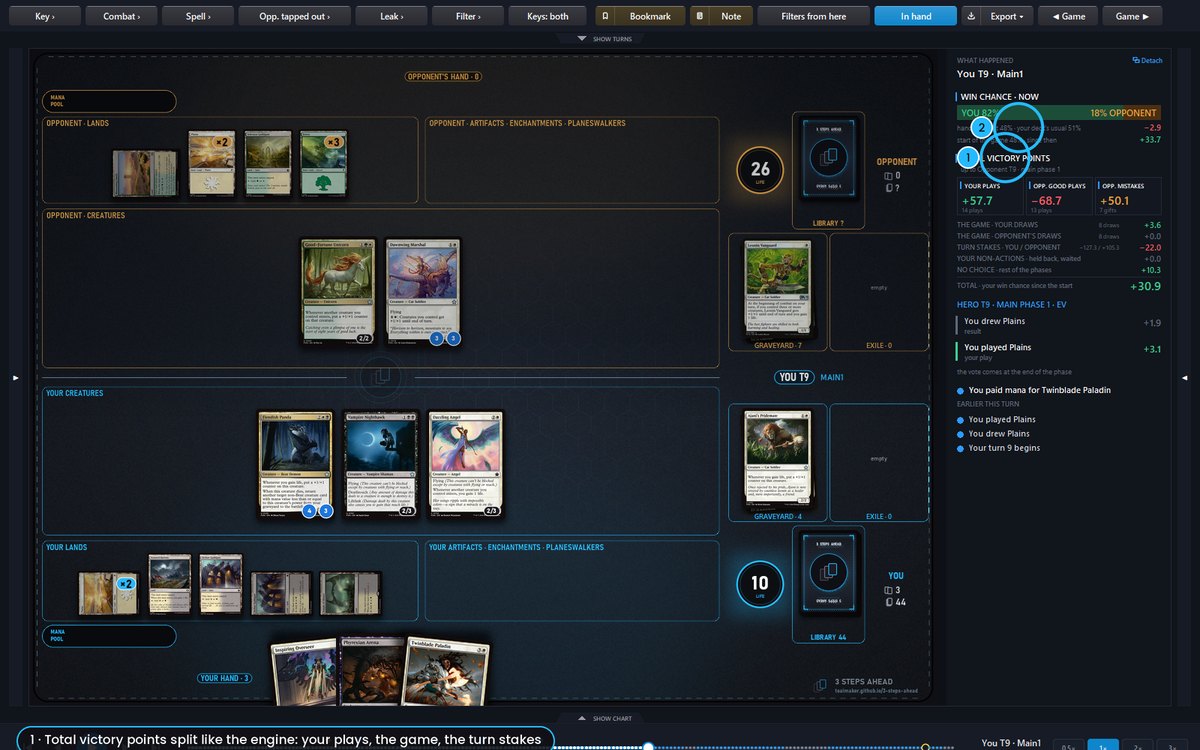
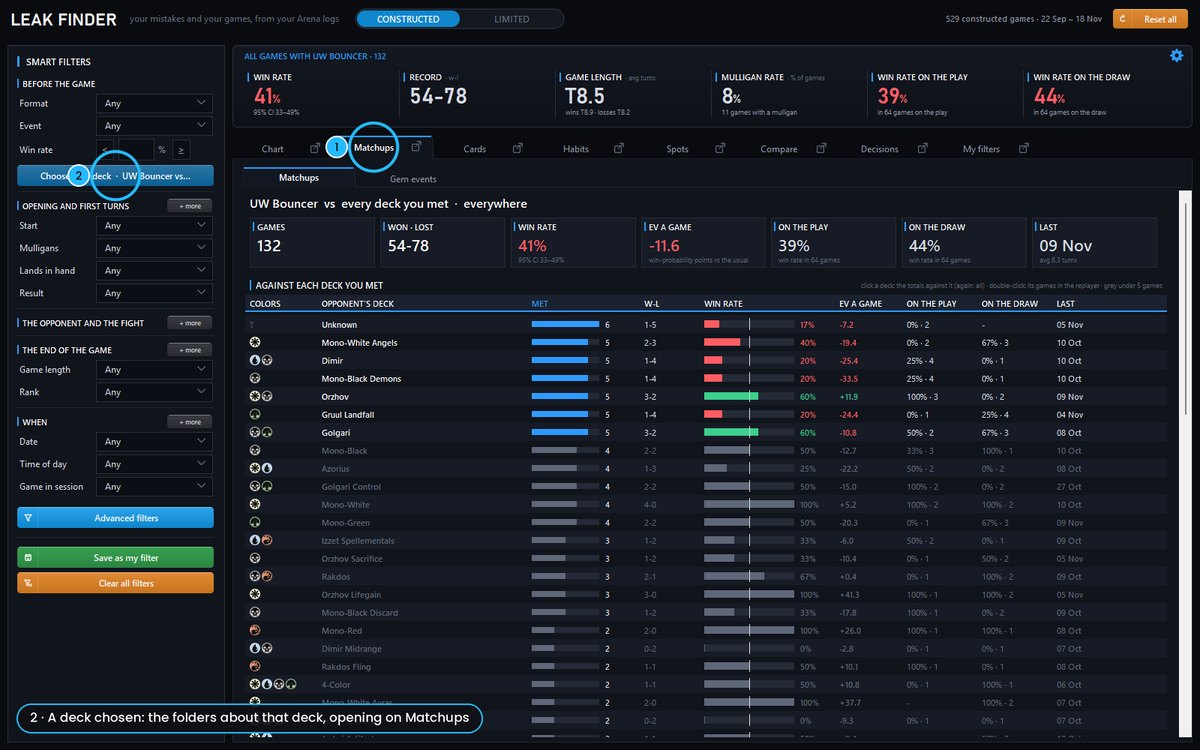
Until now the Leak Finder could filter your games by what you held and what you cast. Now it can also filter by what was on the table, by the role of each spell, and it opens every replay on the exact spot your filters describe.
The Board, side by side
In Advanced filters, both the Hero and the Opponent tabs have a new Board section, area by area: creatures and their power, lands and how many were untapped, artifacts, enchantments, planeswalkers, the hand, the graveyard, exile and life, at the start of each turn. A question like “on turn 3, I have a creature and the opponent has none: should I cast another creature or draw a card before combat?” can now be built and answered from your own games.
Conditions on the same turn add up: “one creature for me and none for the opponent” means in the same turn, and every condition you add narrows the games, never widens them. Every line that talks about cards has a search box to name a specific card.
Spells by role
The turn-by-turn filters now know what a spell was for: a creature, a removal, a counterspell, card draw, a combat trick, and whether it was cast before or after combat.
Replays that open on your spot
Open a game from the table under the chart and the replayer starts at the first moment where your filters are true, marked under the timeline; Filter › jumps to the next one. And the other way round: Filters from here in the replayer turns the moment on screen into filters, to find the games that looked like it.
Smaller fixes
The leak for an instant or a flash creature cast on your own turn now names the card, and spree cards such as Three Steps Ahead count the cost of their cheapest mode, as Arena does.
Read the guide: Smart filters →